
Track your customer’s journey from the showroom visit through installation and the final walkthrough. In Clearfork, a fictional four-showroom flooring retailer, you can follow Grace Young’s guest-bath tile project and try the handoffs yourself.
Open Today and find the next commitment
Select Try it in Clearfork, then Launch the demo. The 60-minute session opens without a sign-in. Leave the role set to Corporate Executive so you can explore all four showrooms. Prices and customer records are examples, and customer messages stay in draft.
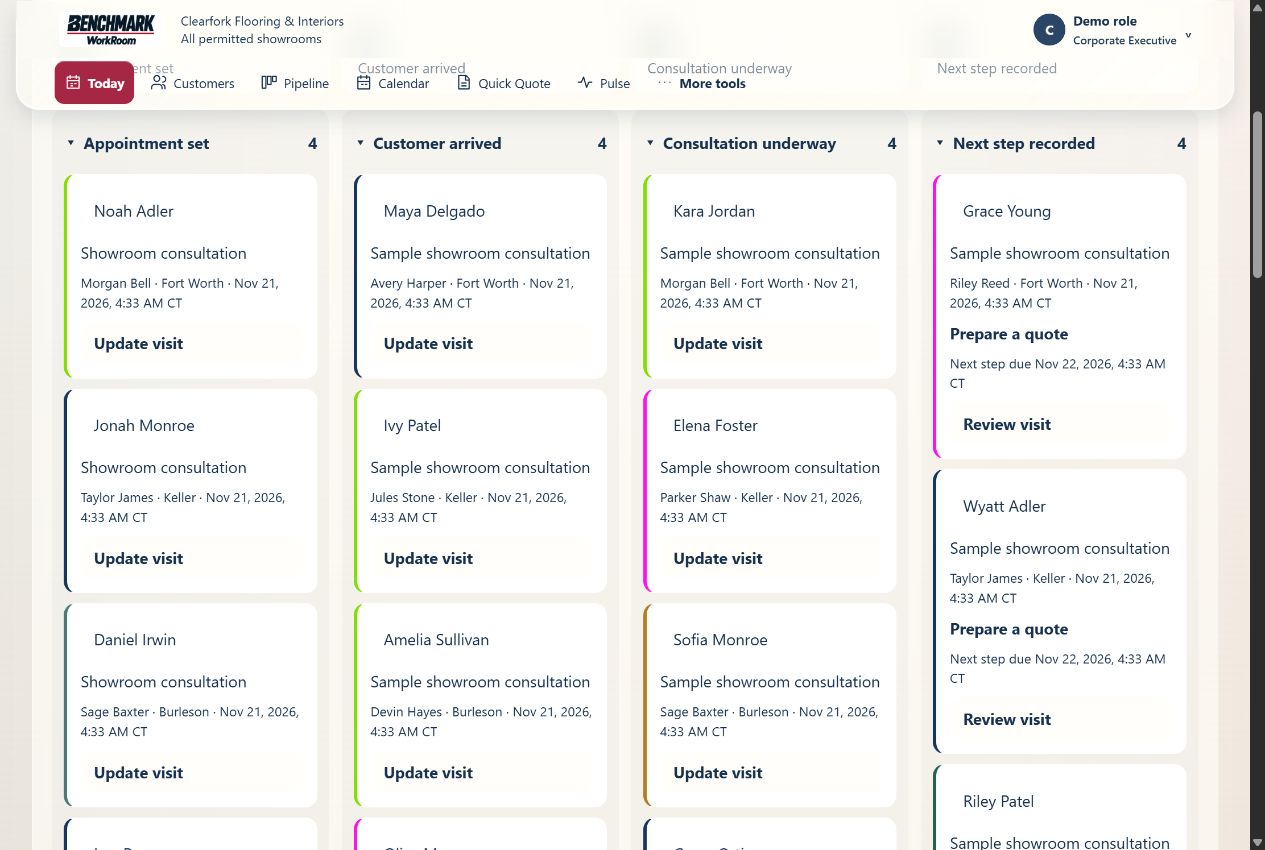
On Today, find Sales visits today and choose Next step recorded. In the sample visit for Grace Young, Riley Reed at Fort Worth has recorded “Prepare a quote.” Open Grace’s name. If your day board shows a different list, choose Customers and look up Grace Young, customer C-008.
Read Grace’s customer file before quoting
The customer file identifies Riley Reed as the assigned salesperson and Fort Worth as the showroom. Under Sales progress, find “Guest bath · Porcelain tile replacement.” This is an existing sample project with its own history.
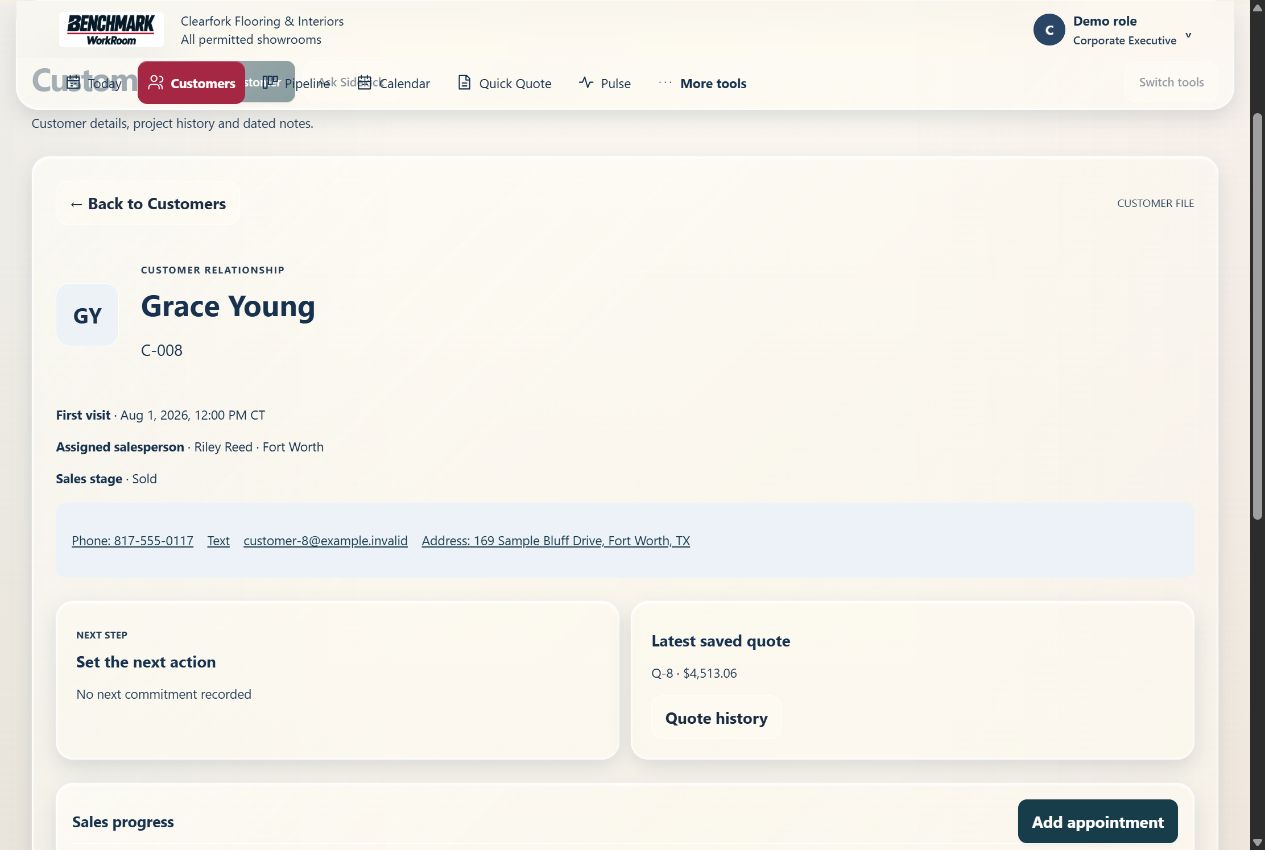
Find Latest saved quote and select Quote history. In the Quotes tab, choose View estimate Q-8. That opens the estimate already associated with Grace’s project, so you can see what she was quoted.
Read estimate Q-8 like the customer would
Grace’s sample porcelain tile estimate totals $4,513.06, including $130.49 in sales tax. Look down the line items for work a homeowner might otherwise assume is included: protecting adjacent finishes, hauling away removed material, fitting transitions and sealing movement joints.
If Grace asks about another tile, keep the room measurements and agreed installation work consistent when preparing a second option. Compare the material and any installation changes separately, then explain the difference in the two totals.
Follow the sold job through installation
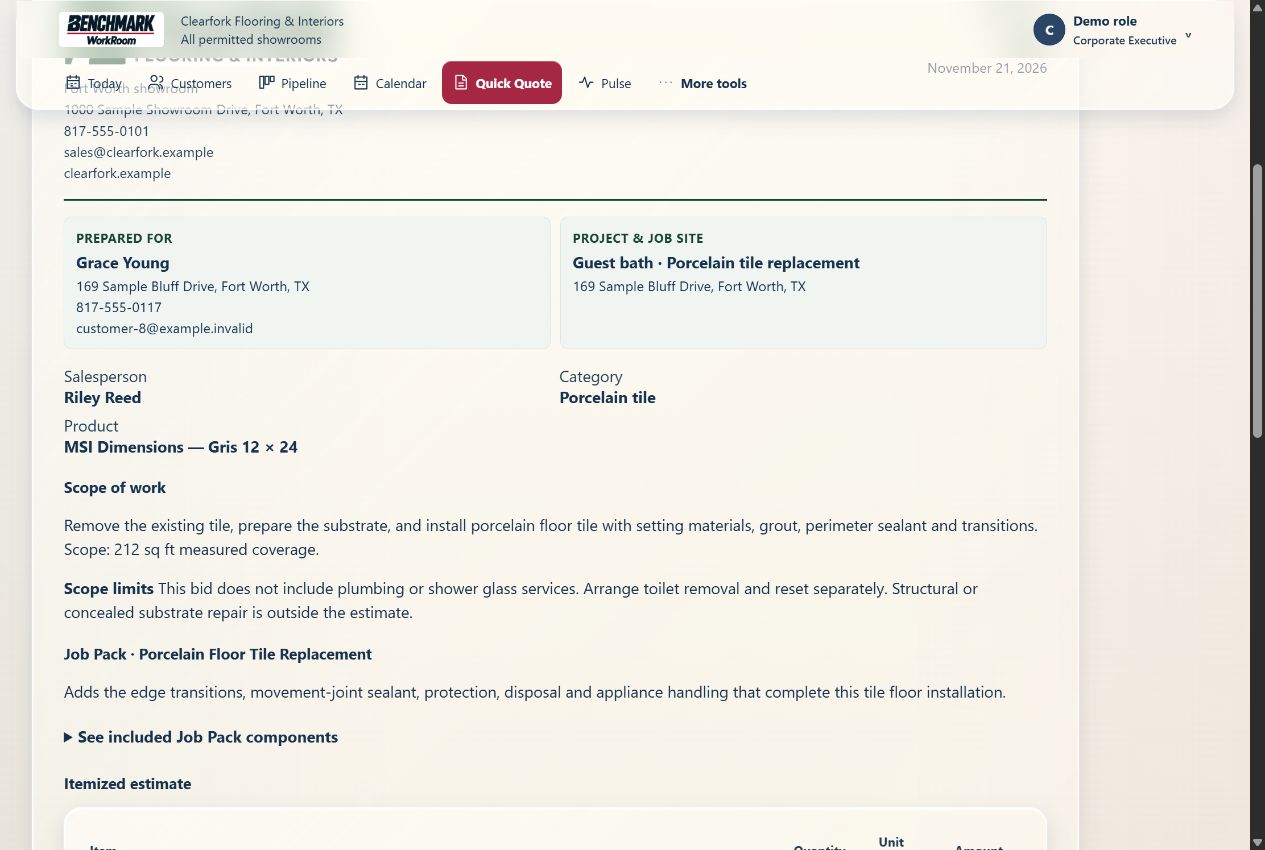
Return to Customers, open Grace Young and choose Overview. Her guest-bath opportunity is marked Sold. In Sales progress you can see what comes next: Ordered, Installation scheduled and Completed. Use Schedule installation when you have a date to agree with the customer.
Before installation, confirm the tile order, who will let the crew in and which work was promised in Q-8. On this job, the estimate includes protecting adjacent finishes, hauling away removed material and fitting transitions. Those lines give the installer and the salesperson a shared checklist.
Walk the finished job with the customer
Q-8 includes a line for final cleanup and the installation walkthrough. Walk the guest bath with Grace: check the transitions and sealant together, confirm the debris is gone, and ask whether anything still needs attention.
If a detail needs another visit, use Add note and Schedule follow-up in her file to record what was promised, who owns it and when Grace should hear back. Once the agreed work is finished, use Completed on the opportunity. The sample opens at Sold, so these last steps are yours to try in the demo.
Switch to Pulse for the manager’s view
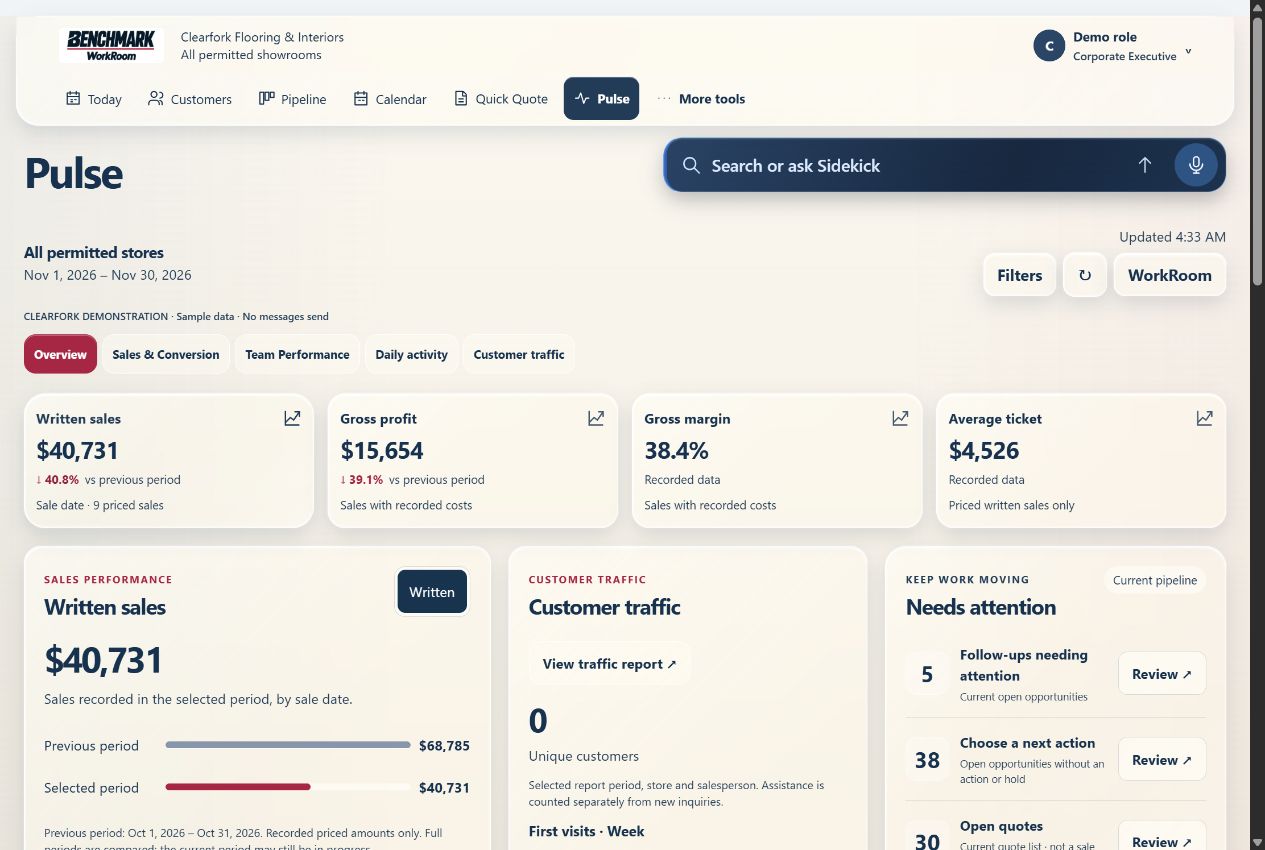
Select Pulse in the WorkRoom navigation. Start with Written sales and Gross margin, then look at Open quotes. The first two describe sales performance. Open quotes are proposals the team may still need to follow up on.
Under Focus your report, narrow the view to Fort Worth. In Team Performance, find Riley Reed to explore the salesperson’s results for the selected period. Those figures cover the reporting period and can include several projects.
Try the handoff yourself
Start on Today, open Grace Young and find Q-8. Imagine Grace calls while Riley is out. Can you tell her what the installers will haul away, find the installation stage and record who will call her after the final walkthrough?

Have a question about this?
Ask Benchmark about your situation. Your inquiry will include this article's topic, and any paid work starts with an agreed scope.
Ask an Expert