01
Help the customer take the first step.
Use useful answers, completed projects and a clear inquiry form to help a visitor explain what they need.
 Explore websites
SEE THE WORKFLOW
See where CRM, Quick Quote, Re/Engage, Sidekick and Pulse fit into a working day. This example uses demonstration data; choose one tool or connect several.
01
Use useful answers, completed projects and a clear inquiry form to help a visitor explain what they need.
Explore websites 02
Add or find the customer in CRM. Keep ownership, the next appointment and project notes together. Sidekick can help you navigate the permitted customer context.
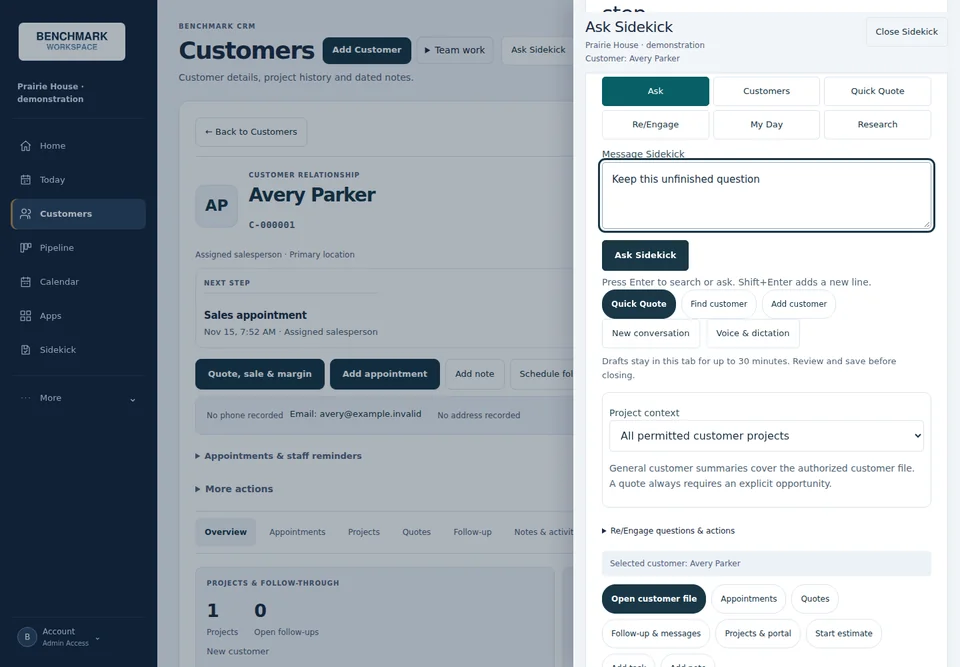 Explore customer tools
03
Use Quick Quote with authorized company products, labor and business rules. Review the estimate and save the next action with the customer.
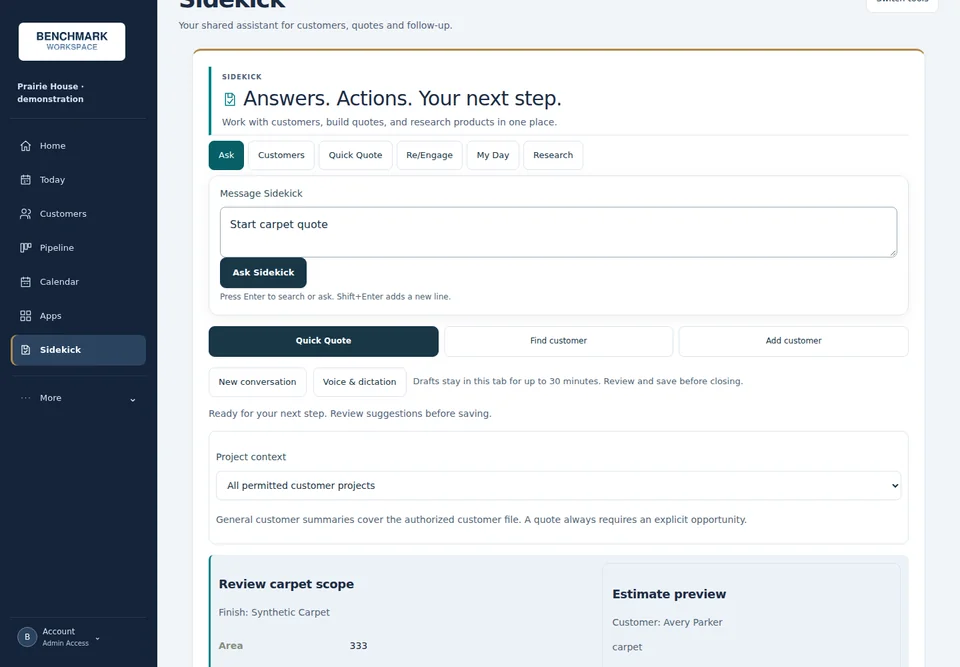 Explore quoting
KEEP THE WORK MOVING
04 / RE/ENGAGE
Plan the next conversation, review communications and keep customers informed. Sending requires configured delivery, permission and the applicable approval controls.
Explore Re/Engage05 / PULSE
See permitted activity, appointments, quotes, sales and follow-up reporting. Figures depend on entered data and connected sources; missing values remain unknown.
Explore PulseALONG THE WAY / SIDEKICK
Find source-linked product information, navigate permitted customer context and continue to company pricing in Quick Quote. Staff review answers and saved work.
Explore SidekickNextStep helps a visitor explain a project. Project Center turns approved work into useful website examples. Workspace brings each team member’s assigned tools together.
Local Boost focuses on helping customers find, understand and contact your business. These business tools help your team carry the inquiry forward.
Explore Local BoostThe website is a fictional demonstration. Software screens show actual interfaces with synthetic customer and product data. Add or find the customer in CRM; automatic website-to-CRM transfer requires an agreed, configured connection.
Software subscriptions are separate from website packages. Company pricing and customer records remain subject to access permissions. Customer messages retain review, permission and delivery controls. Pulse reports recorded business activity; external advertising-to-sale attribution is not currently connected.
Tell us about your business and the process you want to improve.